Summarize this article with:
WordPress is one of the most popular content management systems (CMS) in the world for creating your website, but this popularity also makes it a prime target for cyberattacks. The security of your WordPress site is essential to protect your data and your users' data and to maintain your company's credibility. Fortunately, there are many free security plugins that can help you strengthen your site's security. In this article, we explore the 12 best free security plugins for WordPress to help you choose the one that best suits your needs.
TL;DR
🎯 WordPress is the most widely used CMS in the world, and therefore the favourite target of attacks.
✅ Free plugins cover the essentials: firewall, malware scanning, login attempt limits, backups, two-factor authentication.
💡 A plugin does not replace the basics: regular updates, strong passwords and serious hosting.
011/ Wordfence Security
Wordfence Security is one of the most popular security plugins for WordPress. It offers complete protection for your site by combining a firewall, malware scanning and blocking of hacking attempts. Wordfence also offers features such as real-time traffic monitoring and security alerts, letting you react quickly to threats.
Key features:
- Firewall to block attacks
- Malware scanning
- Real-time monitoring
- Brute-force attack protection
- Filtering of suspicious IP addresses

022/ WP Cerber Security
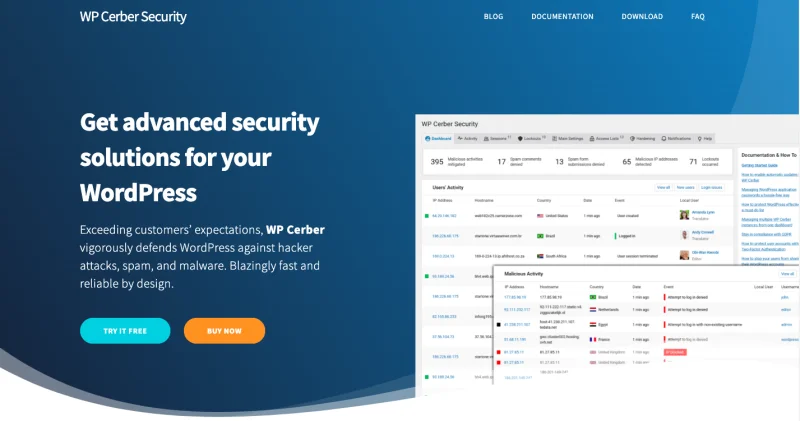
WP Cerber Security is another excellent plugin to protect your WordPress site. It focuses mainly on preventing brute-force attacks by limiting the number of login attempts and automatically blocking suspicious IPs. It also offers content filtering, security auditing and anti-spam protection for forms.
Key features:
- Brute-force attack protection
- Security audit and event logging
- Anti-spam protection
- File monitoring to detect suspicious changes
033/ iThemes Security
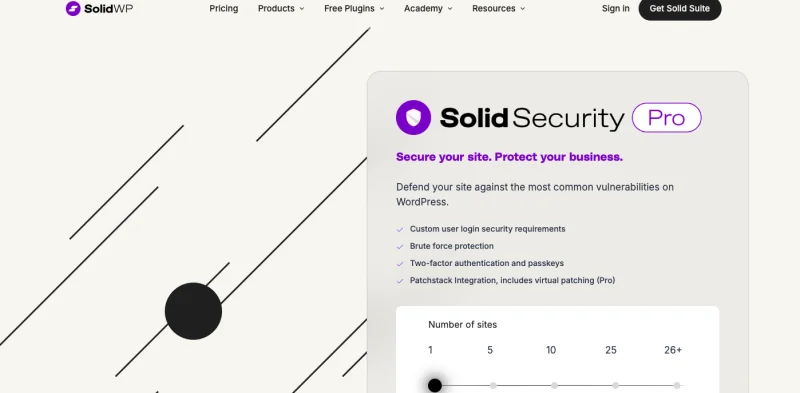
iThemes Security, formerly known as Better WP Security, is a powerful plugin offering more than 30 ways to secure and protect your WordPress site. It focuses on proactive security by hardening your site's security settings, such as protecting critical files and detecting unauthorised changes.
Key features:
- Brute-force attack protection
- File monitoring to detect changes
- Database backup
- Locking the WordPress dashboard for suspicious IPs
044/ All In One WP Security & Firewall
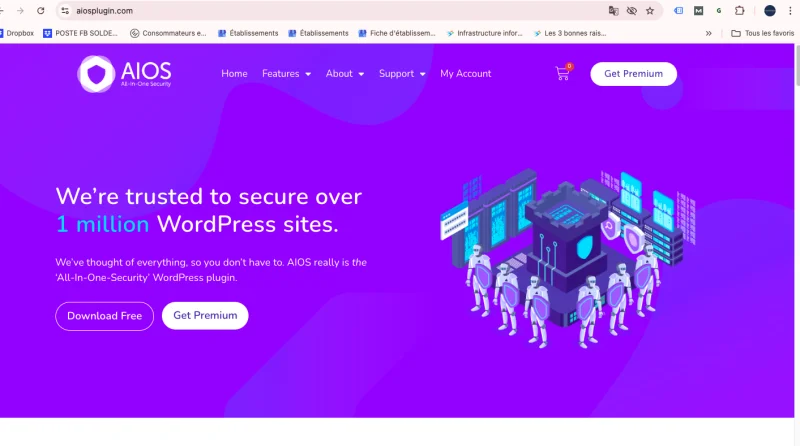
All In One WP Security & Firewall is a complete, easy-to-use plugin that improves your WordPress site's security with features such as brute-force protection, database security and a firewall. It is ideal for users looking for a simple, effective solution to secure their site.
Key features:
- Brute-force attack protection
- Firewall with different security levels
- Database security
- Backup and restore of .htaccess and wp-config files
055/ BlogVault – malware detection and removal
BlogVault is a security plugin that specialises in detecting and removing malware. Although mainly known for its backup features, it also includes powerful tools to scan your site for malware and remove it before it causes damage.
Key features:
- Automatic site backup
- Real-time malware detection
- Fast restore in case of problems
- DDoS attack protection

066/ BulletProof Security
BulletProof Security is a plugin that focuses on protecting essential WordPress files, such as the .htaccess file. It offers solid protection against common attacks such as SQL injections and brute-force attacks. This plugin is particularly appreciated for its ease of use and regular updates.
Key features:
- .htaccess file protection
- Brute-force attack prevention
- Database backup and restore
- Real-time file monitoring

077/ Sucuri Security
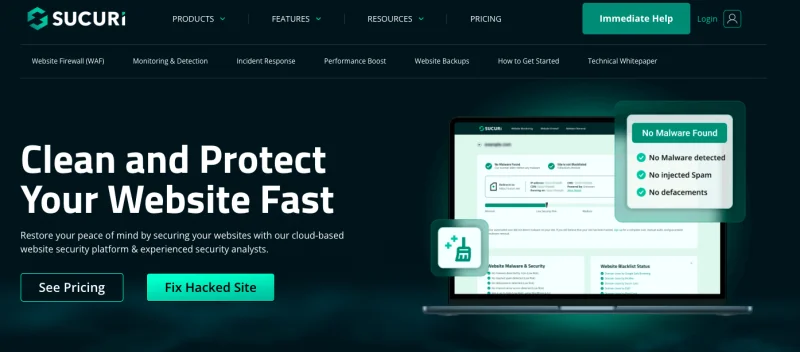
Sucuri Security is a well-known security plugin offering complete protection for WordPress sites. It offers features such as file integrity monitoring, malware detection and a firewall to block attacks before they reach your site. Sucuri also offers a site clean-up service in case of hacking.
Key features:
- Security firewall
- File integrity monitoring
- Malware detection and removal
- Real-time security alerts
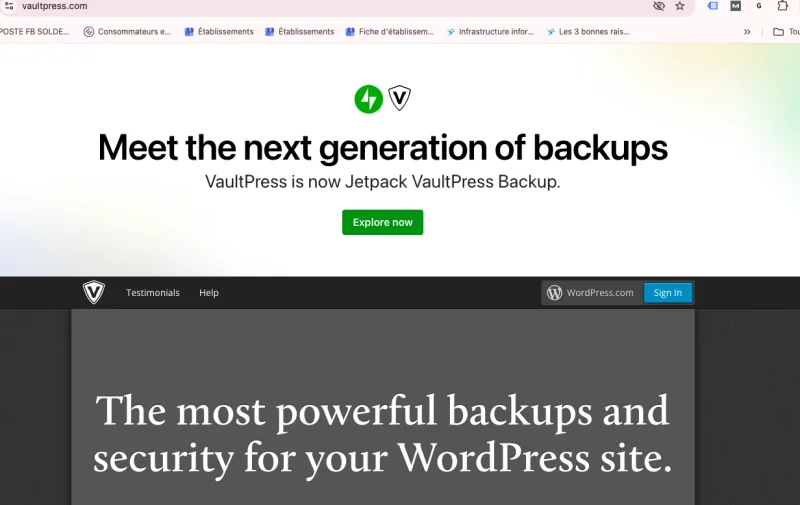
088/ VaultPress – to back up and restore your site
VaultPress, developed by the creators of WordPress, is a powerful security and backup plugin. Although not entirely free, the basic version offers essential features to back up and protect your site against threats. VaultPress continuously monitors your site to detect any suspicious activity and lets you quickly restore your site in case of problems.
Key features:
- Automatic real-time backup
- Malware protection
- Easy one-click site restore
- Continuous security monitoring
099/ UpdraftPlus
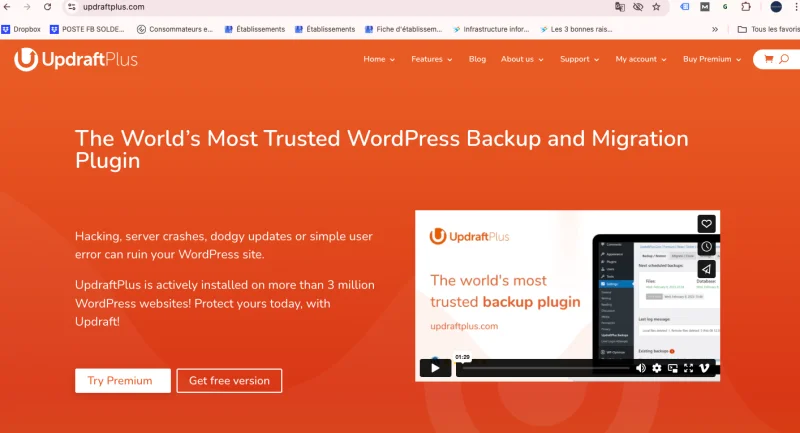
UpdraftPlus is one of the most popular backup plugins for WordPress, offering automatic and manual backup features. It can be configured to store your backups on cloud services such as Dropbox or Google Drive. In addition to its backup capabilities, UpdraftPlus also offers options to easily restore your site when needed.
Key features:
- Automatic backup and restore
- Integration with cloud services
- Database and file backup
- Easy restore in case of problems
1010/ SecuPress – for a good firewall
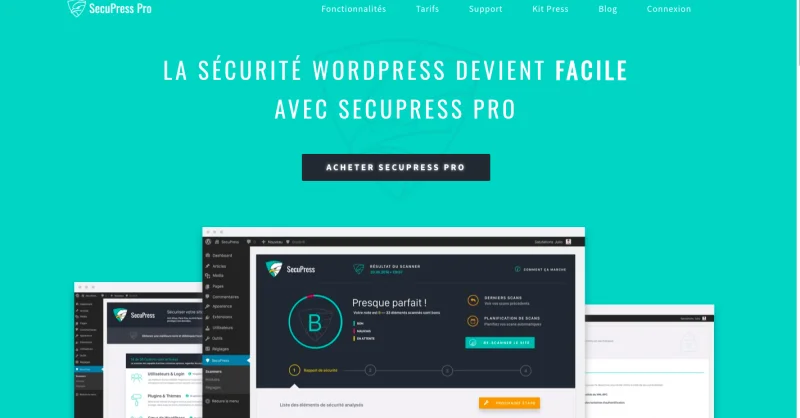
SecuPress is a relatively new WordPress security plugin offering advanced features, including an effective firewall to block attacks before they reach your site. In addition to the firewall, SecuPress offers an in-depth scan of your site to identify security flaws and fix them. It also protects against data theft and DDoS attacks.
Key features:
- Advanced firewall
- In-depth security flaw scanning
- Data theft protection
- Real-time file monitoring
1111/ Security Ninja
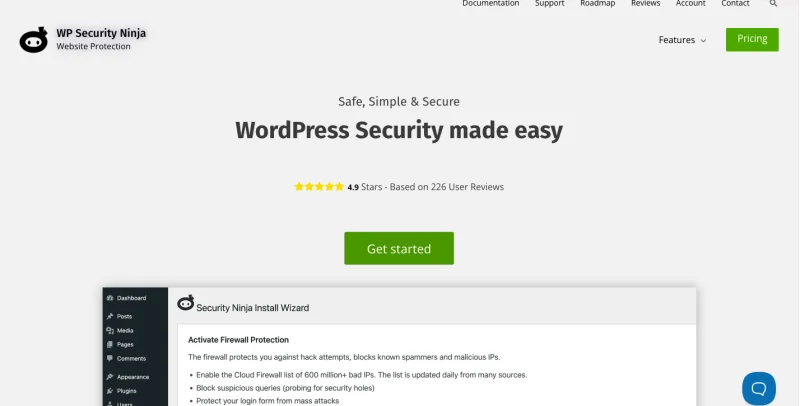
Security Ninja is a plugin that scans your site to detect security flaws and suggests solutions to fix them. It is designed to be easy to use, even for beginners. Security Ninja also protects against brute-force attacks and monitors potential threats in real time.
Key features:
- Security flaw scanning
- Brute-force attack protection
- Real-time threat monitoring
- Detailed site security reports
12Where to find security plugins in WordPress
You can find all these security plugins directly from your WordPress site's dashboard. To install them, go to the "Plugins" tab and click "Add New". Type the plugin's name in the search bar, click "Install Now" and then "Activate" once the installation is complete.
13Why a WordPress security plugin is essential to secure your site
A WordPress security plugin is crucial to protect your site against the many threats that exist online. Without adequate protection, your site is vulnerable to brute-force attacks, SQL injections, malware and much more. Security plugins act as a first line of defence, blocking threats before they cause irreversible damage to your site. They also give you peace of mind by constantly monitoring your site and alerting you in case of problems.
14Can you protect your WordPress site without security plugins?
Although some security measures can be put in place without plugins, such as using strong passwords or regularly updating your themes and plugins, a security plugin offers far more complete protection. Security plugins automate many tasks that would be hard to manage manually, such as file monitoring, malware detection and brute-force protection. Without these tools, your site remains vulnerable to sophisticated attacks that even an experienced administrator might struggle to repel.
15Our advice
To guarantee your WordPress site's security, we recommend using several security plugins in combination, as each brings specific features. However, be careful not to install too many plugins, as this can slow down your site. Choose those offering the most essential features for your situation. Also make sure you keep your plugins up to date and follow security best practices, such as backing up your site regularly and using strong passwords.
In short, securing your WordPress site is not a task to be taken lightly. By using the right security plugins, you can effectively protect your site against potential threats and guarantee a safe experience for your users.